
Projects
Create a blank project from the selected Character
New projects start with the Character’s Default Mapping. Opening a saved project restores that project’s own mapping, audio, FPS and timeline.
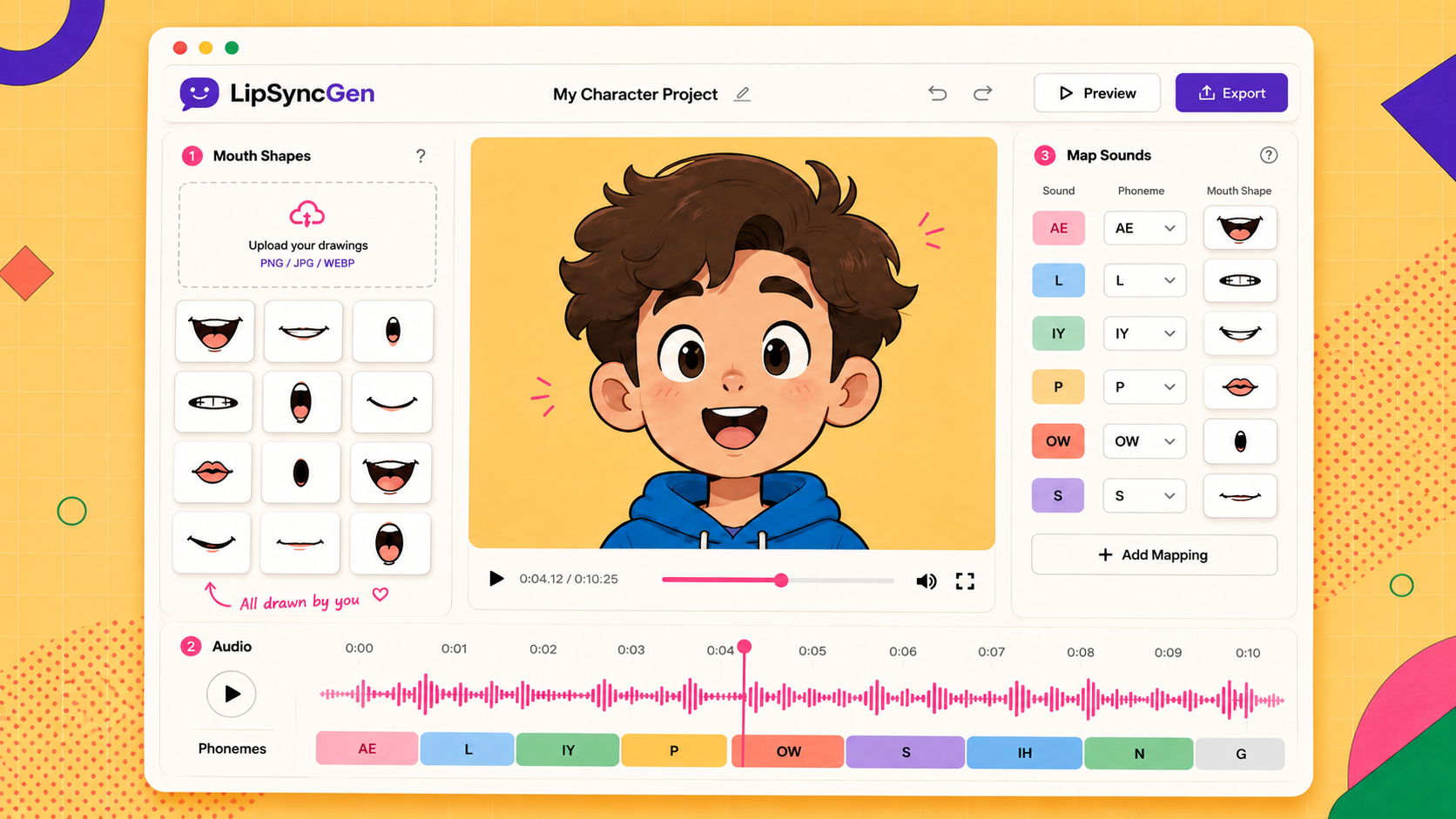
Upload your own mouth drawings, add a voice track, preview the timing, and export a ready-to-use animation.
No AI art generation — just your own mouth drawings, animated.
No video editing skills needed — just your character's mouth shapes and a voice recording.
Use transparent PNGs that are aligned to the same character position. Name them by sound (ah.png, mm.png, etc.).
The app listens to the audio and suggests mouth timing automatically, so you can stay focused on the character.
Check the animation, adjust the sound-to-mouth mapping if needed, and download an MP4 or an XML timeline package.
A clean workspace for your drawings, audio, timing, mapping, preview, and export.
File: